Sale Discount Approval
Technical name: cs_sale_approval_discount
This module is not installed on the live database (Apps shows Activar). The screenshot is the Apps card. Configuration screens and the quotation icon are documented from source and will appear after install.
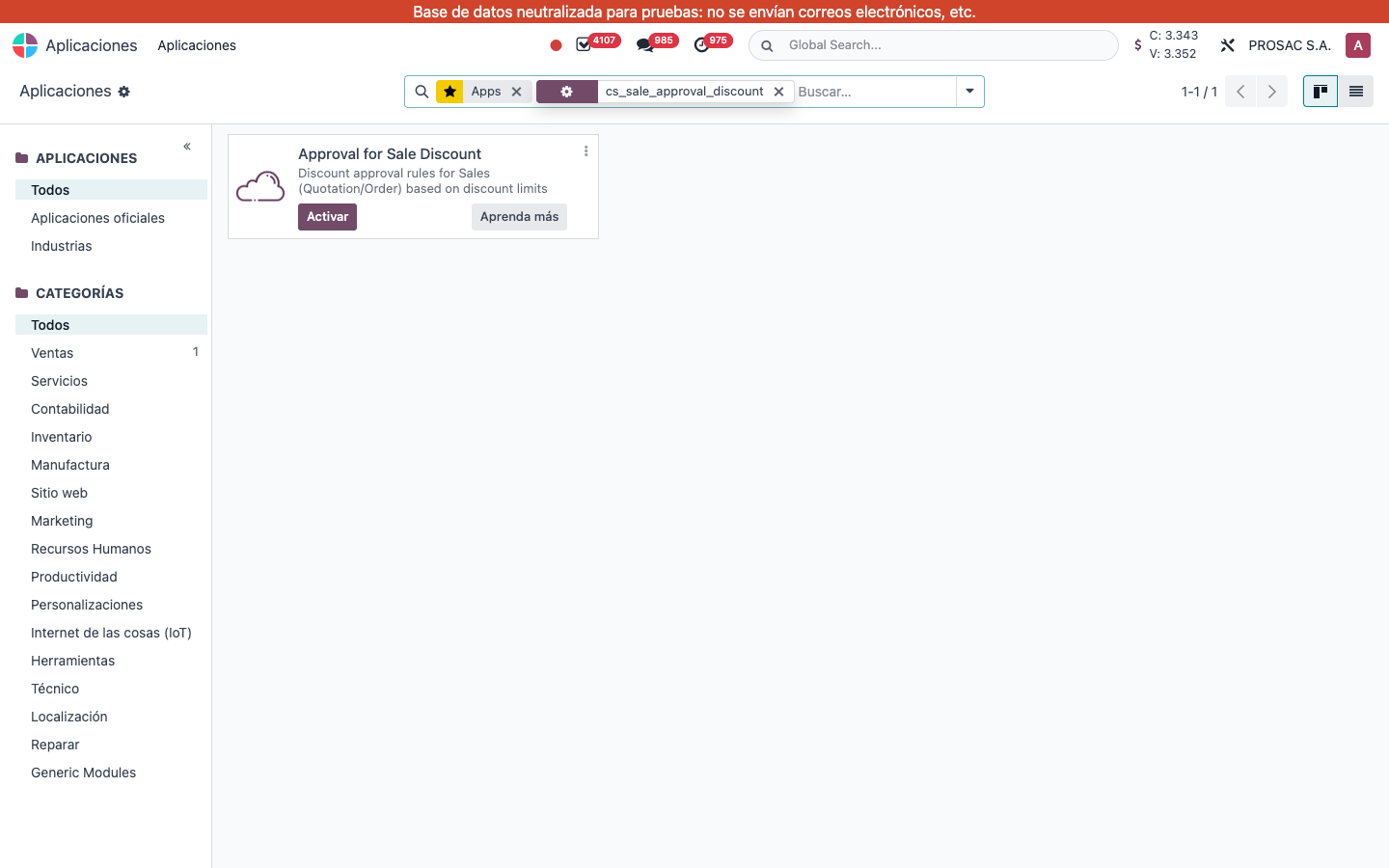
1. Configuration
After install, open Ajustes → Ventas → Cotizaciones y órdenes.
- Set Aprobación de ventas por encima del límite de descuento (source English: Approval for sales over discount limit) to Enviar Cotización, Confirmar Orden de Venta or Ambos.
- Enter the company fallback Límite de descuento (%) (shown only when the gate is not empty).
Optional, more specific limits (first match wins):
- Product form extra info: Discount Limit (%) / Límite de descuento (%).
- Brand form (after manufacturer): same field on the brand.
- Brand–category rows: same field on the brand/category link.
- Product category: Límite de descuento (%); if empty, the parent’s stored Límite de descuento para padres (%) is used.
Precedence: product → brand+category → brand → category (own, then parent) → company.
2. User instructions
On a cotización line, if Descuento is greater than the applicable limit, the line is flagged Descuento superado, painted red, and a red exclamation icon appears next to the discount (group Descuento en líneas must be enabled). The order shows Approval required: Discount over limit (source banner; Spanish translation may apply after install).
- Lower the line discount under the limit, or keep it and click Solicitar aprobación.
- A sales manager approves via Studio (Discount over limit: Approval to send / Approval to confirm) or Aprobar on the base module.
Flags recalculate when lines, product, price or discount change. Studio rules are removed on uninstall so Studio does not keep domains on missing fields.