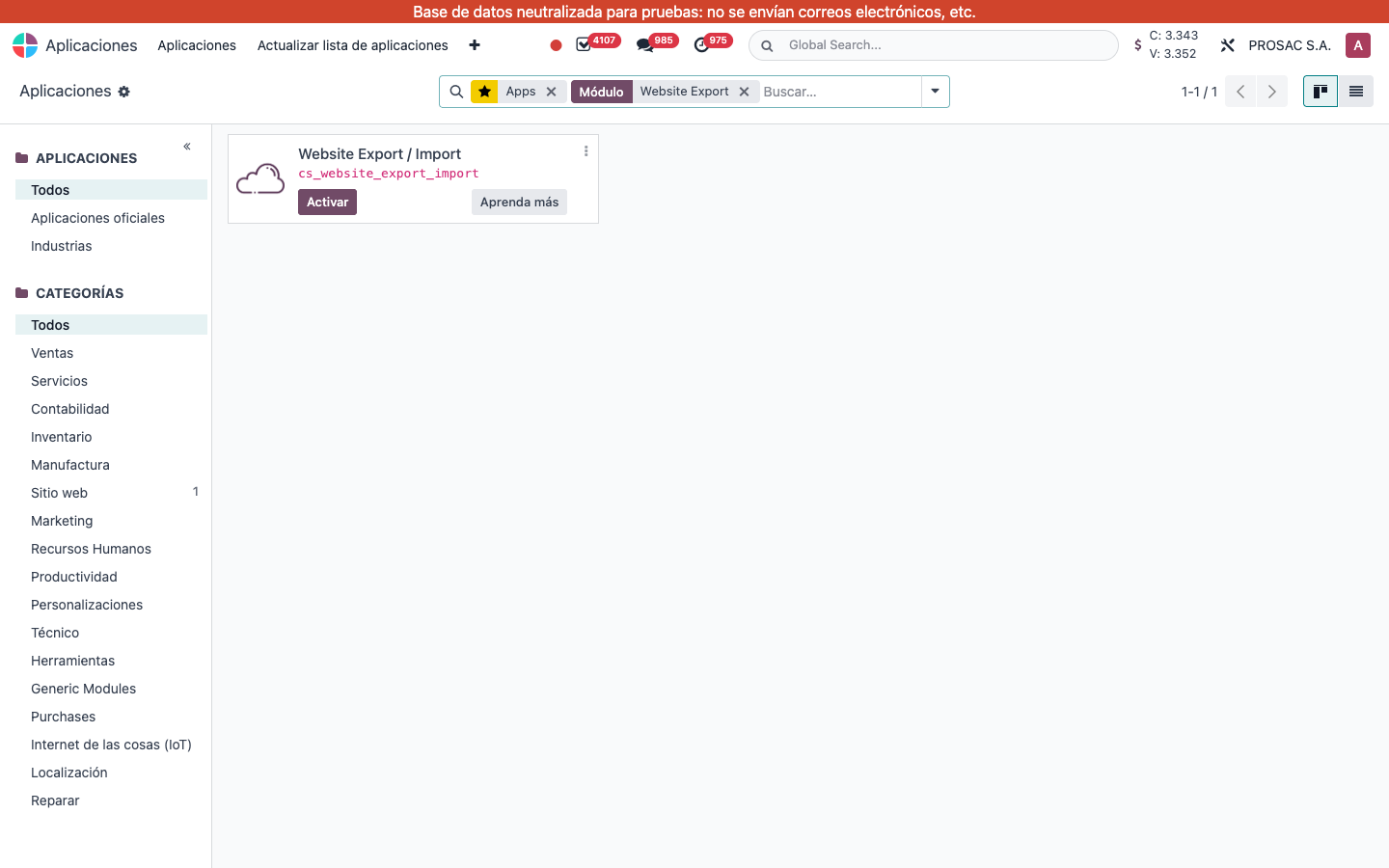
Website Export / Import
Technical name: cs_website_export_import
This module is not installed on the live database (Apps shows Activar). Wizards and menus below are documented from source. After install, website designers use Sitio web configuration; the parent menu Website Export / Import (Exportación / Importación de Sitio Web) is limited to technical users (base.group_no_one / developer mode).
1. User instructions
Export a website
- Open Exportar Sitio Web (action Export Website).
- Choose the Sitio Web.
- Under Categorías a Exportar leave on what you need (all default on):
- Exportar Vistas
- Exportar Páginas (SEO, access groups, OG image)
- Exportar Menús (including mega-menu HTML)
- Exportar Imágenes/Medios
- Exportar Activos CSS/JS (
/_custom/paths) - Exportar Filtros de Fragmentos
- Exportar Redirecciones de URL
- Exportar Configuración del Sitio Web (social, analytics, CDN, custom code, languages, theme)
- Click Exportar. The browser downloads
website_export_…_YYYYMMDD.zip.
If no category is selected: Por favor, seleccione al menos una categoría de exportación.
Import a website
- Open Importar Sitio Web.
- Upload the Archivo ZIP. The form fills Resumen de Exportación: Base de Datos de Origen, Nombre del Sitio Web de Origen, Fecha de Exportación, Versión de Odoo de Origen, and Registros a Importar (vistas, páginas, menús, adjuntos, activos, filtros, redirecciones, si hay configuración).
- Choose Modo de Importación: Crear Nuevo Sitio Web (name + Empresa) or Sobrescribir Sitio Web Existente (Sitio Web de Destino — all of that website’s views, pages, child menus, attachments and assets are deleted first).
- Click Importar. On success the wizard shows Registro de Importación and Sitio Web Importado. Cerrar to leave.
A ZIP from another major Odoo version is blocked: Versión no coincidente: este exportación fue creada con Odoo … pero estás ejecutando Odoo …. Any other failure rolls back: Importación fallida y se ha revertido por completo.
After import, /web/image and /web/content ids inside views, pages and mega-menus are rewritten to the new attachments. Missing files are listed as warnings in the log.