Product Sales Rotation Category
Technical name: cs_product_custom_categ
1. Configuration
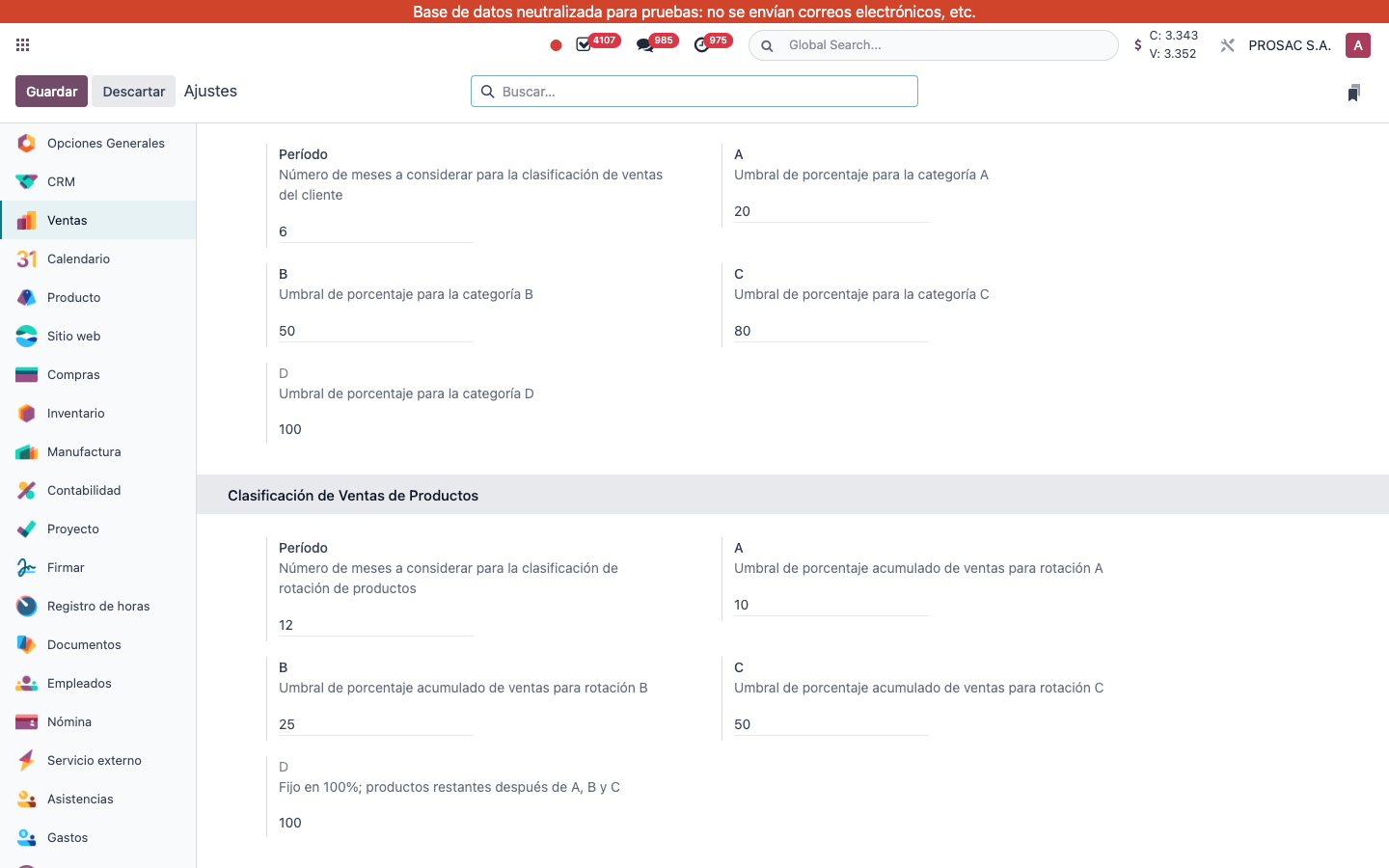
- Open Ajustes and the left app Ventas (or action Sales settings).
- Scroll to block Clasificación de Ventas de Productos (below a similar customer-ranking block that is not this module).
- Set:
- Período — months of posted customer invoices to include (default 12). Help: número de meses para la clasificación de rotación de productos.
- A / B / C — cumulative sales % cut-offs (defaults 10 / 25 / 50). Must stay strictly increasing.
- D — fixed at 100 (read-only); remaining products after A, B and C.
- Keep the monthly scheduled action Producto: Actualización Mensual de Rotación (source name Product: Monthly Rotation Update) active. It runs from posted customer invoices, credit notes and receipts; refunds reduce net sales; unsold products become D. Invalid thresholds skip the run.
2. User instructions
Read the sales category on a product
- Open the product template.
- Tab Ventas.
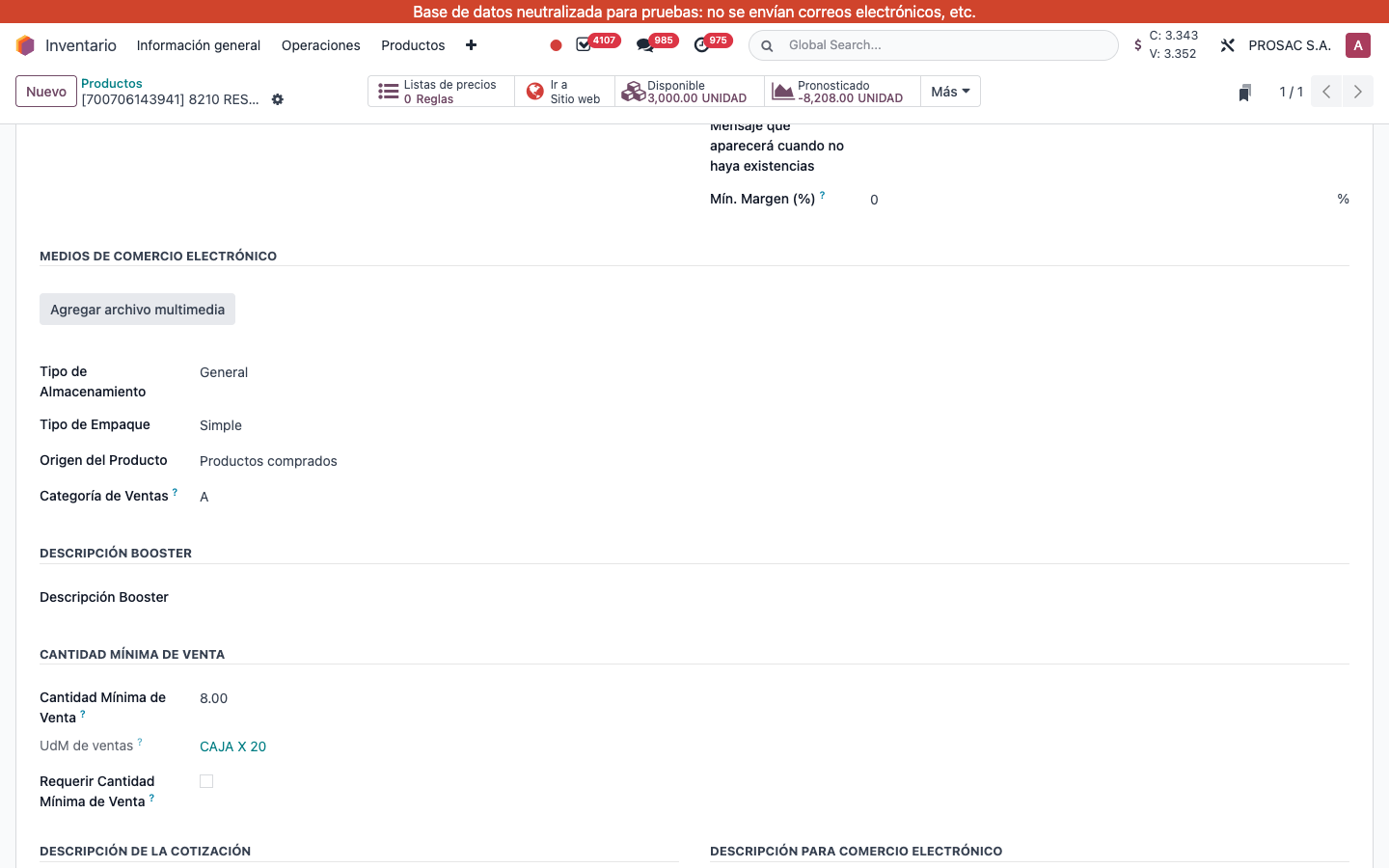
- Field Categoría de Ventas: A, B, C or D (default D until the cron ranks it).
Ranking uses net revenue share in the period: A is the top cumulative slice, then B, then C; everyone else is D. Filter/group products by this indexed field in any product search.