Product Document Import
Technical name: cs_product_document_import
2. User instructions
Import a ZIP of product files
- Prepare a ZIP whose folder names are product internal references (
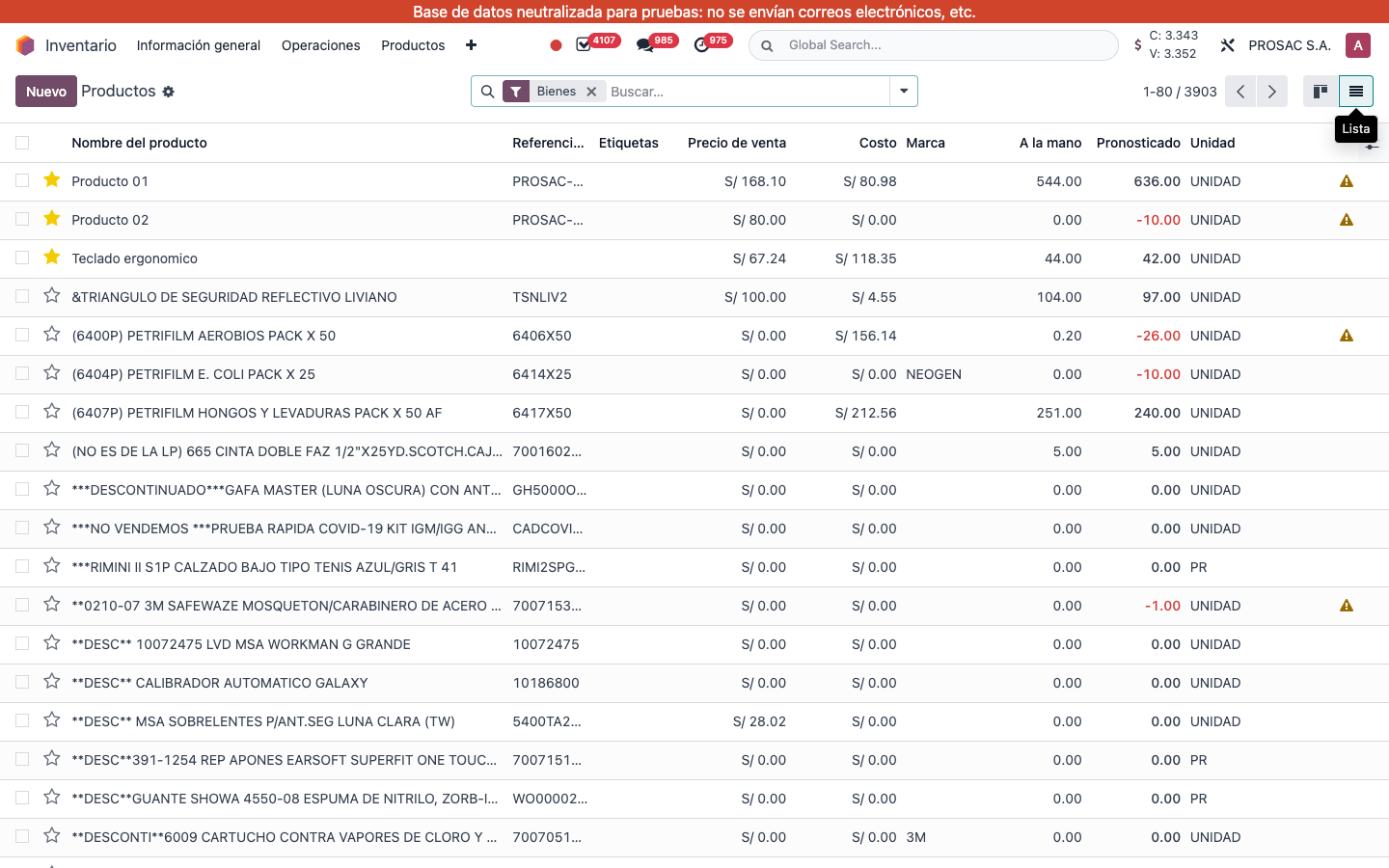
default_code). Files inside each folder become attachments on that variant. The ZIP must contain at least one folder. - Open the product templates or variants list (Inventario / Ventas → Productos, view Lista).
- Source adds button Importar documentos on both lists (template list sets a hidden “template import” flag). On this database the header button is not visible — open the wizard from the bound action or Apps if needed.
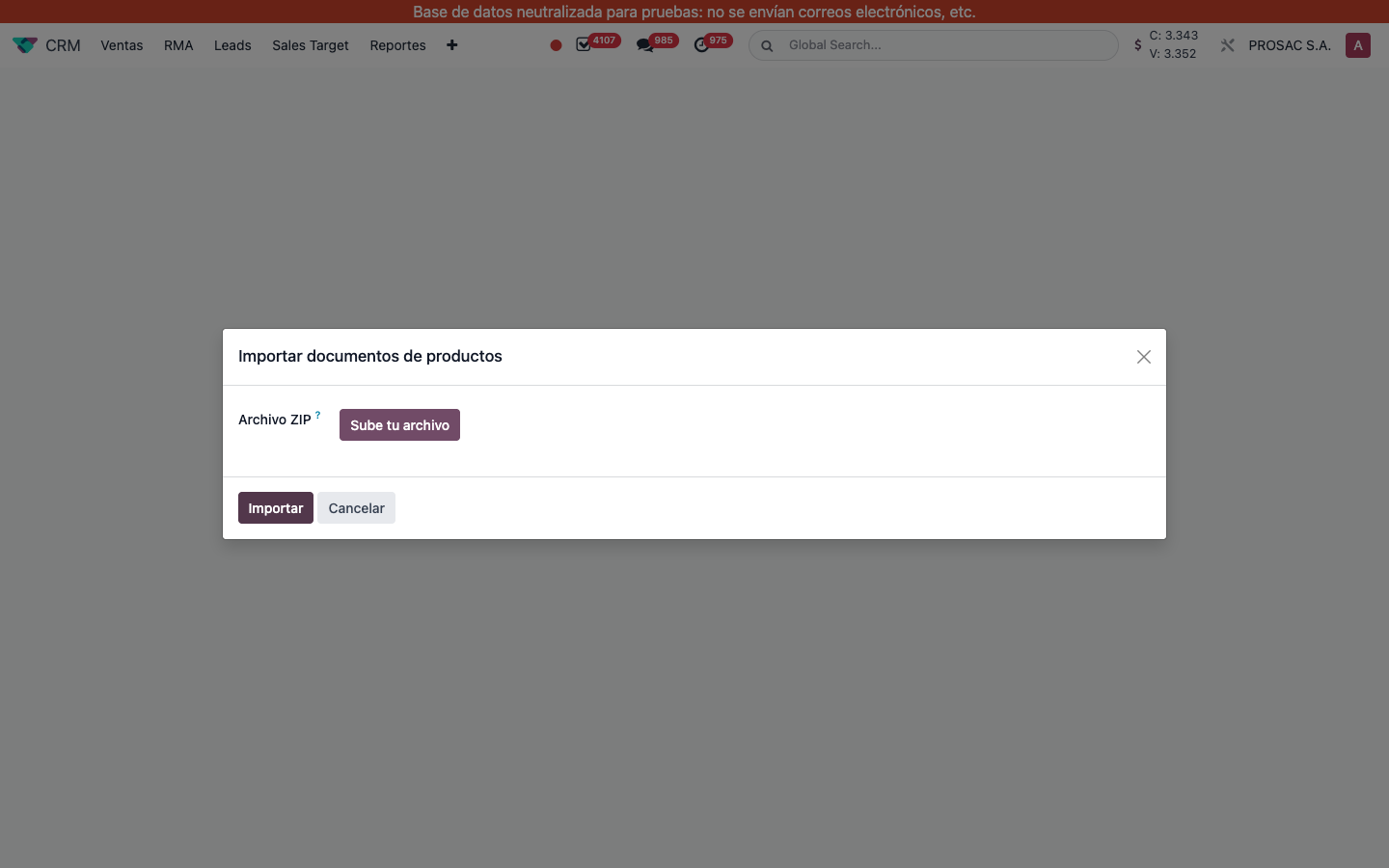
- In wizard Importar documentos de productos, click Sube tu archivo for Archivo ZIP, then Importar (Cancelar to abort).
A toast Resúmen de la importación reports files imported and folders skipped (no matching product). Attachments are created as public files on product.product. The template/variant flag is stored on the wizard but the import always attaches to the variant matched by reference.