Product Approval — Base
Technical name: cs_product_approval
1. Configuration
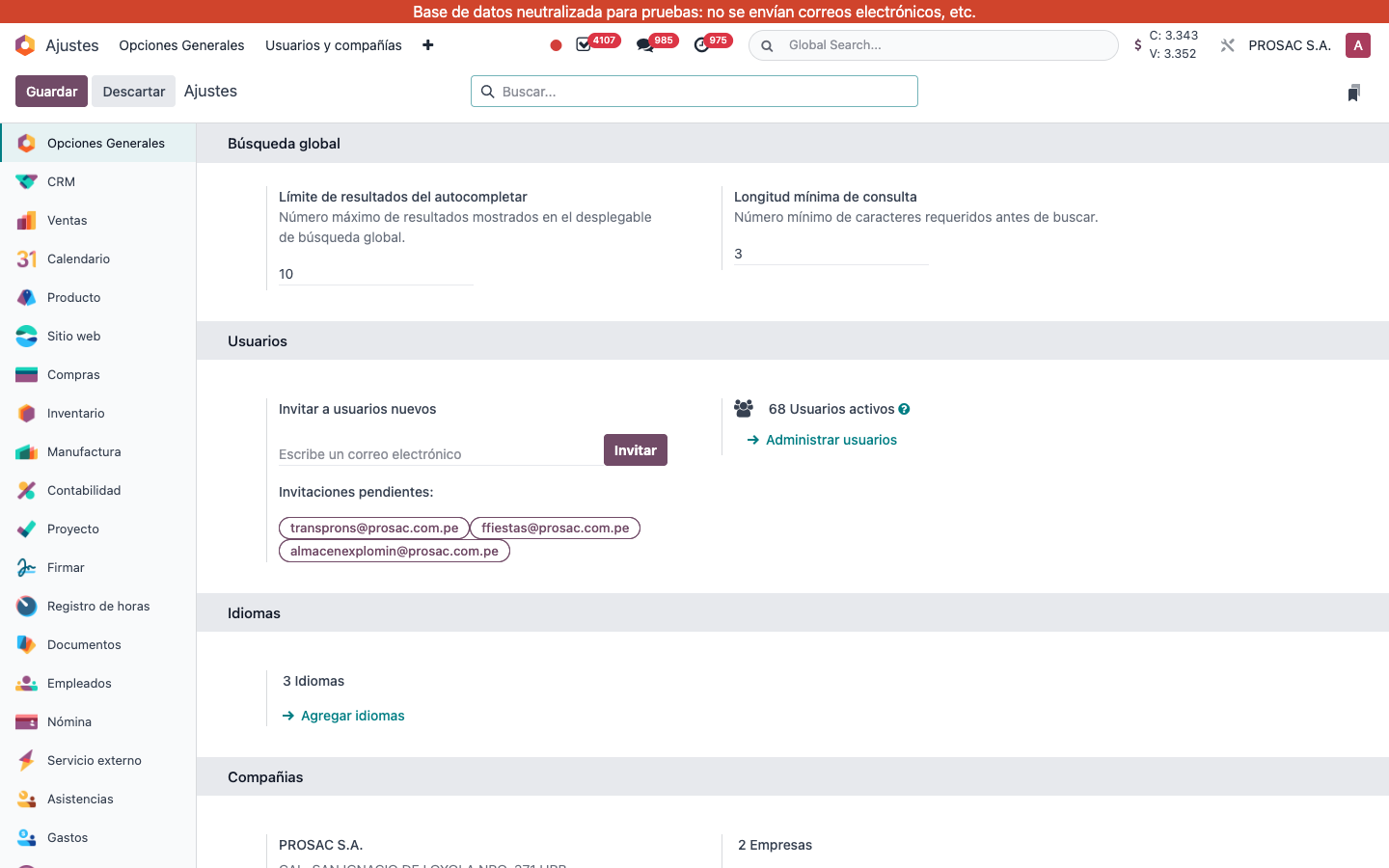
- Assign group Validar Productos to users who may validate and who should see the status widget. Comment: they can validate products and see validation status.
- Open Ajustes and the Producto app block Auto-Borrador Después de Inactividad. Field live string: Débito automático tras (meses) (auto-translated; it is the inactivity threshold in months). 0 disables. N months: revert Válido products with no stock, no confirmed sales in that period, and no open cotizaciones (Draft or Sent).
- Monthly cron live name: Cobro automático de productos inactivos (again auto-translated from Auto-Draft). Currently inactive on this database.
- Studio rule on Validar: La validación del producto requiere aprobación.
If the Product settings block is not selected, choose Producto in the Ajustes left list (not the top command palette).
2. User instructions
Validate or return a product
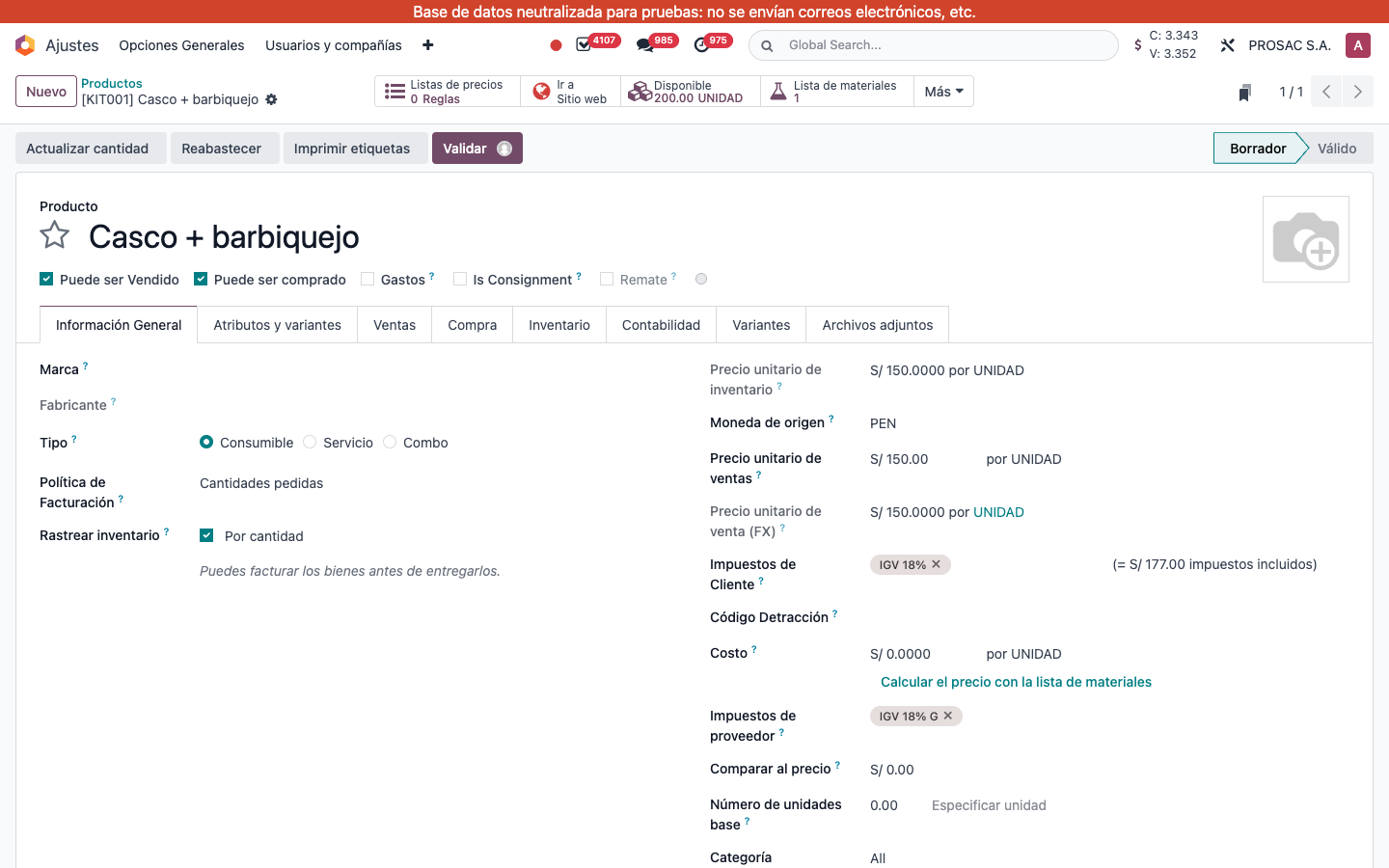
- Open the product template (Inventario / Ventas → Productos).
- Status: Borrador or Válido.
- In draft, click Validar (Studio approval may be required). In valid, click Volver a borrador to unlock fields again.
- Once Válido, name, references, barcodes, prices, taxes, accounts, routes, sale/purchase flags and other sensitive fields are read-only. Variants inherit the template status; variant easy-edit is read-only for code, barcode, sales price and cost.
Batch from the list
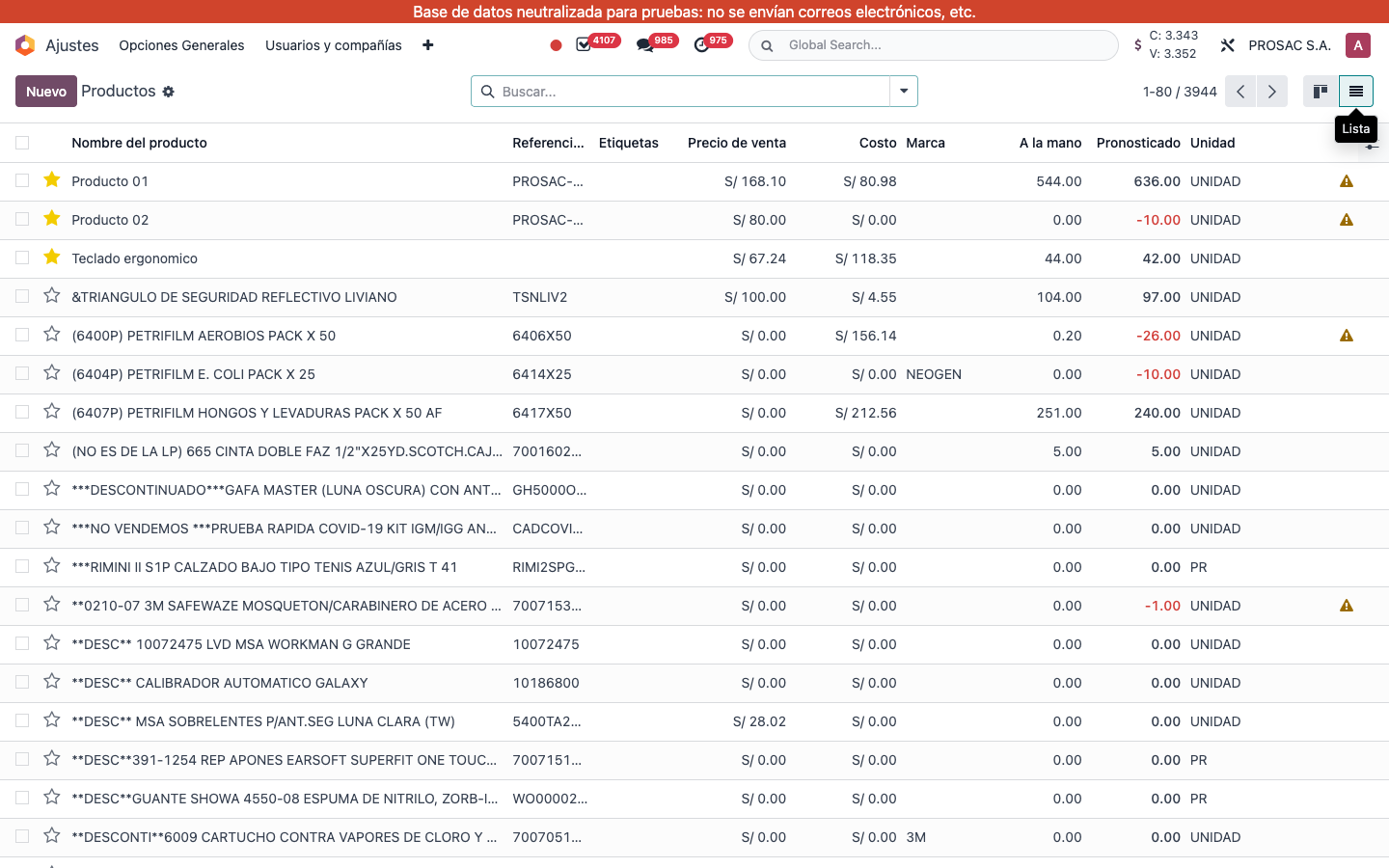
- Switch the product view to Lista. Optional column Estado (hidden by default) for users in Validar Productos.
- Select rows → Action Validar Productos Seleccionados or Volver Productos Seleccionados a Borrador.
- Toasts: Productos validados / Productos devueltos al borrador.
Automatic validation on receipt
When Inventory is installed, confirming a receipt into an internal location auto-validates draft products on that receipt.
An onboarding tour is available the first time the workflow is used.